Desktop Softphone for Windows and Mac
6 concurrent lines, 6-way conferencing, BLF monitoring, click-to-dial, and HD video — all in a native desktop app for Windows and macOS. TLS and SRTP encryption on every call.
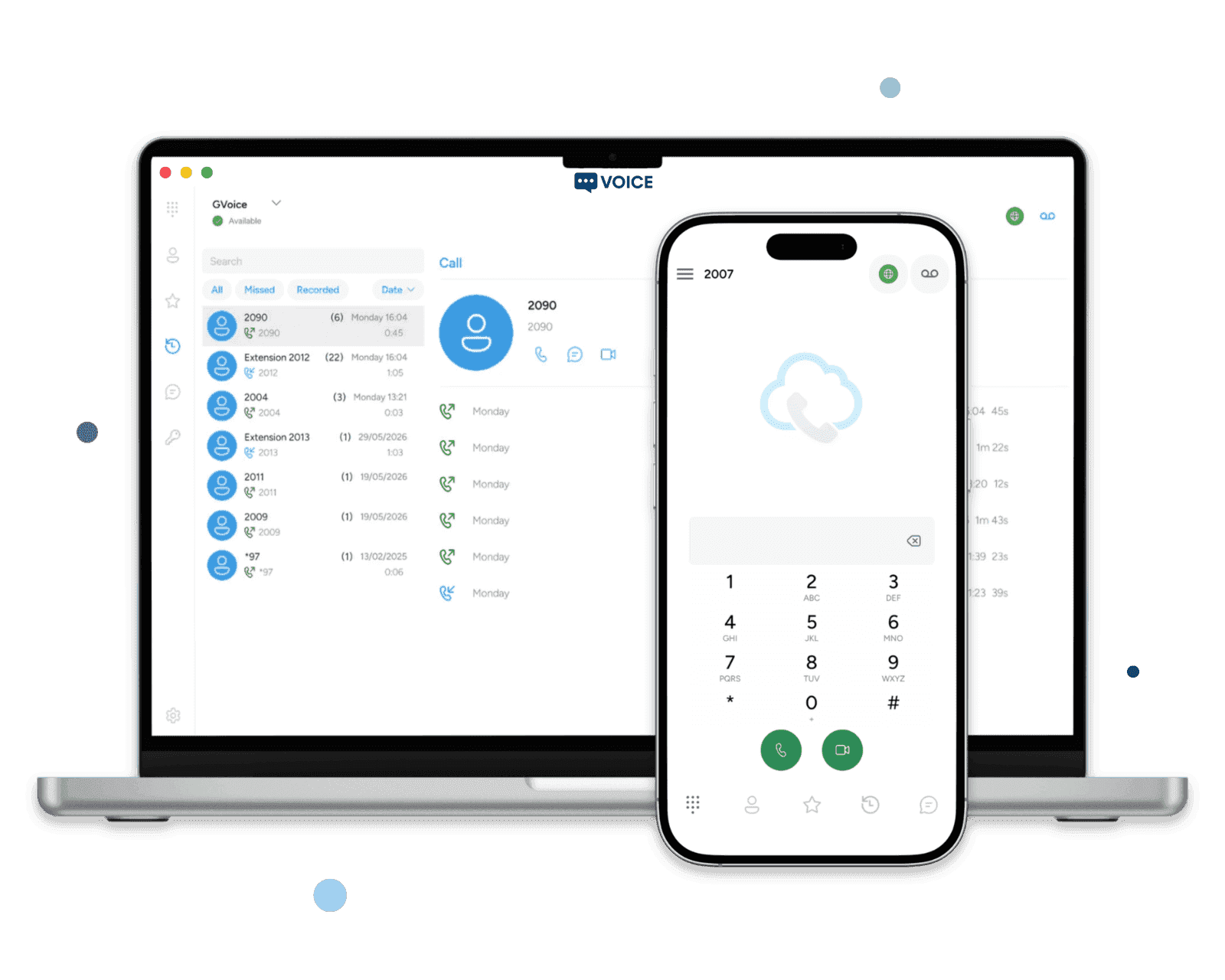
Turn Your Desktop Into a Full Communication Hub
Voice, video, messaging, and contact management on Windows and macOS. Supports OPUS, G.729, G.711 audio codecs and H.264, VP8, VP9 video codecs.
- Click to Dial
Initiate calls directly from your CRM, email, or browser with a single click. Supports sip:// and tel:// URL schemes for seamless desktop integration.
- 6 Lines, BLF & Conferencing
Handle 6 concurrent calls with attended and blind transfers, 6-way conferencing, call forwarding, and real-time Busy Lamp Field monitoring of your team.
- Remote Phonebook & LDAP
Sync contacts from external directories via API or LDAP. Unified address book across all your devices, always up to date.
Intuitive Call Management
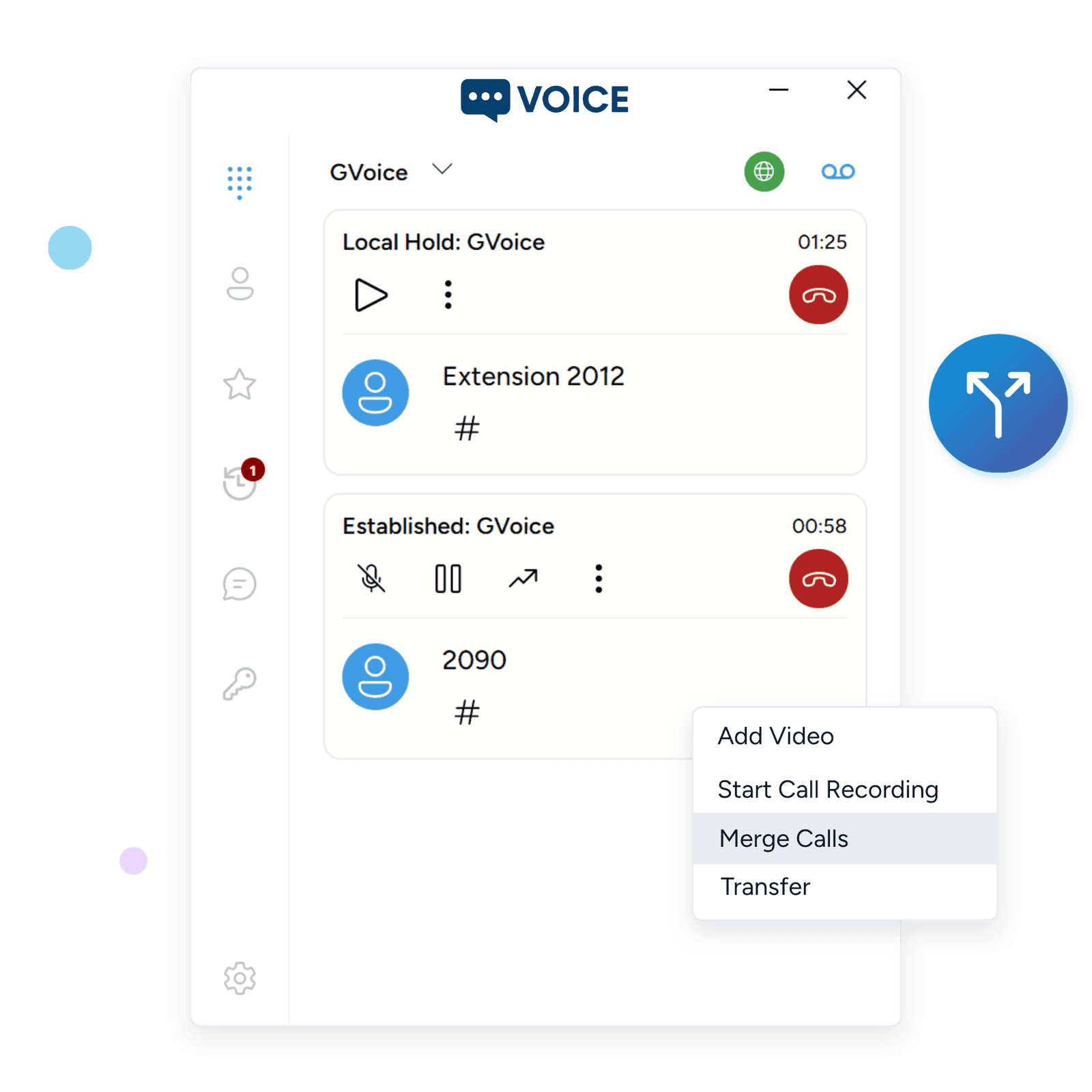
Effortlessly handle your calls with a user-friendly interface designed for maximum efficiency. Merge, swap, and split calls seamlessly, while also managing holds, transfers, and forwarding with just a few clicks. Stay in control and keep your conversations organized with tools built to simplify your workflow.
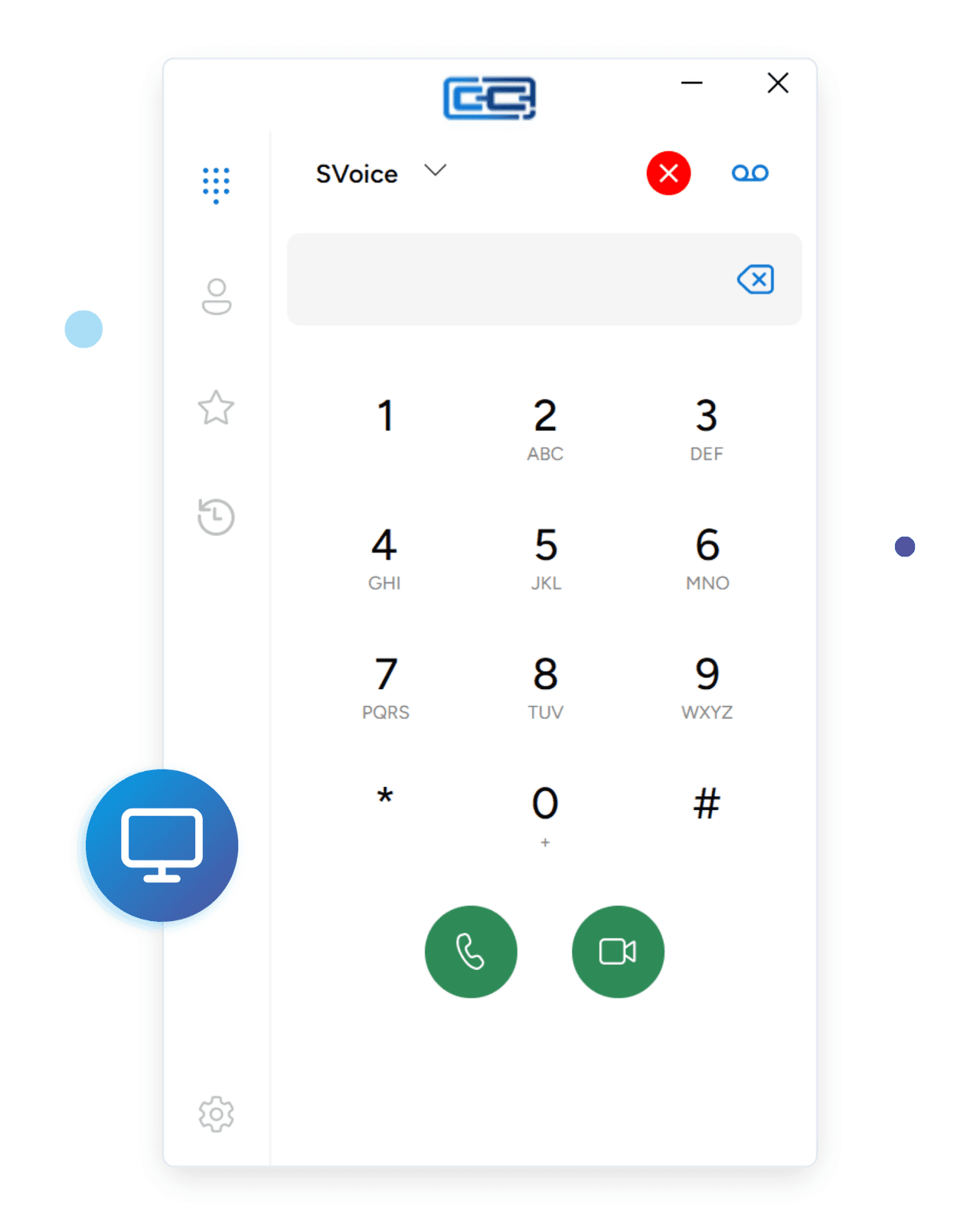
Business Softphone for Call Centers
Built for high-volume communication. Handle multiple concurrent calls, monitor team availability with BLF, and provision agents remotely — all from a native desktop app.
- Enterprise-Grade Security
- TLS-encrypted signaling, SRTP-protected media, certificate verification, and encrypted credential storage. Built for businesses that take security seriously.
- White-Label or Logo Branding
- Add your logo and colors with in-app branding, or go fully white-label with your own app published under your developer account.
- Remote Provisioning
- Push SIP credentials, settings, and updates from the cloud portal. QR code onboarding means zero manual configuration for end users.
Easy Contact Management
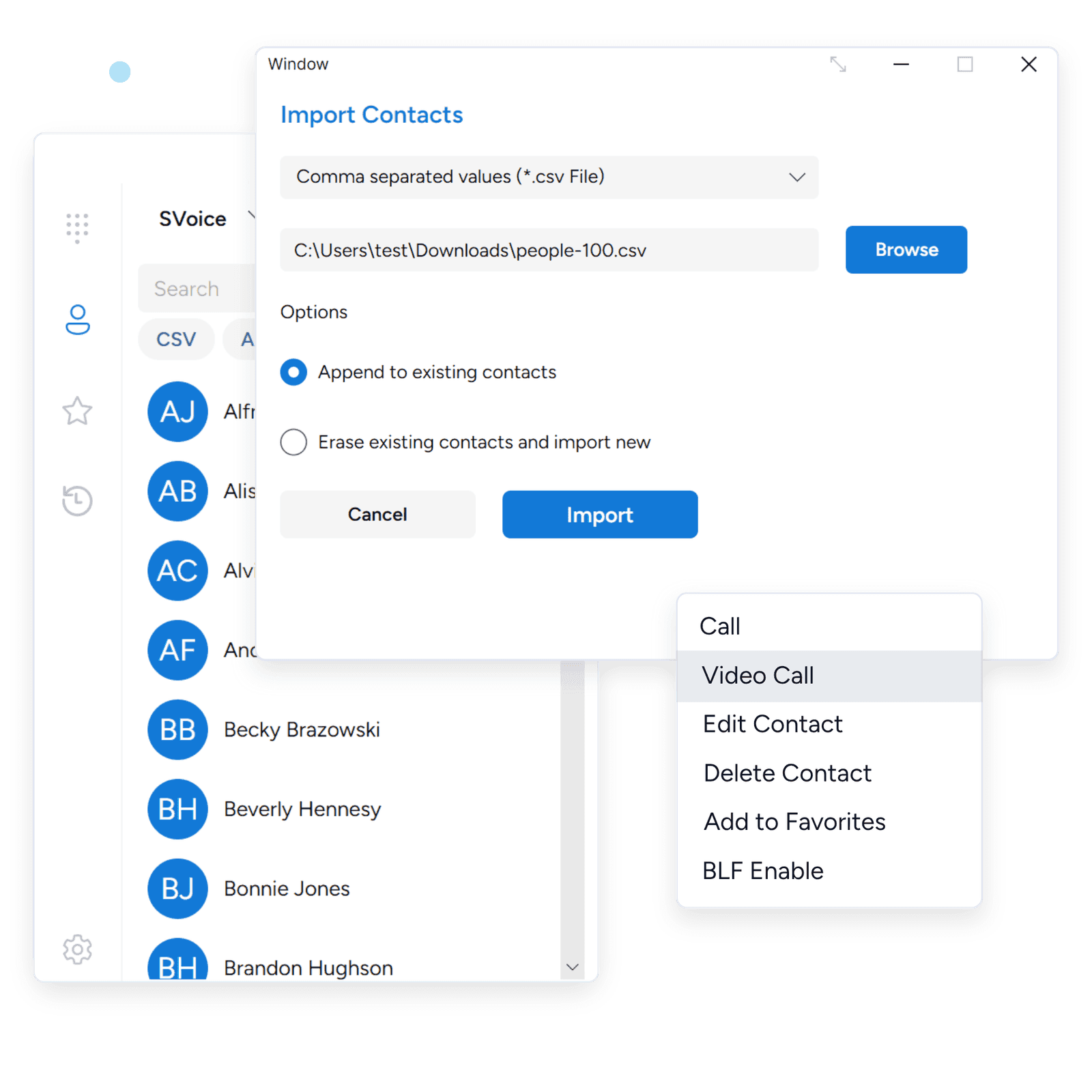
Streamline your communications with enhanced contact management features. Quickly access, organize, and update your contacts with ease. Enjoy seamless integration with existing directories and CRMs, ensuring all your essential information is always at your fingertips.
Desktop softphone — common questions
- Can I replace my office deskphone entirely with the desktop softphone?
Yes. The desktop softphone delivers the same SIP calling, attended and blind transfer, BLF, and multi-party conferencing as a physical SIP deskphone, plus HD video, instant messaging, and local call recording. Many customers move deskphone users to softphone-only after a short transition period to cut hardware refresh costs.
- How does the desktop softphone work behind a corporate firewall or strict NAT?
The desktop softphone uses ICE with STUN for NAT traversal, and signals over SIP TLS with SRTP-encrypted media (including AES-GCM where the PBX supports it). Most corporate firewalls let calls connect out of the box; outbound TLS on standard SIP ports is all the network needs to allow.
- How do I roll out the desktop softphone to a large number of employees without touching each PC?
Use the SessionCloud portal to publish pre-configured SIP settings via QR code, an MSI installer for Windows, or a DMG installer for macOS. Provisioning can be pushed and updated centrally, so end users sign in without typing SIP credentials, server addresses, or codec settings.
- Does the desktop softphone support call recording for compliance teams?
Yes. Local call recording is built in on both Windows and macOS, with per-account controls so admins can enable or disable recording per user. Files are stored on the user's machine and can be archived to a network share or recording vault as part of your existing compliance workflow.
- Will my Jabra, Plantronics, Poly, or Logitech headset work with the desktop softphone?
Yes. Any USB or Bluetooth headset that Windows or macOS recognises will work for call audio with the desktop softphone, including business headsets from Jabra, Plantronics, Poly, EPOS, and Logitech. You can also choose separate audio devices for ringtone, microphone, and call playback inside the softphone's audio preferences — for example, ringing on your laptop speakers while calls themselves route through your headset.
- Does the desktop softphone support video calls?
Yes. The desktop softphone supports SIP video calls on both Windows and macOS, using the standard VP8 and H.264 codecs that your PBX or video gateway already negotiates. Video can be set to auto-send on outbound calls or kept off by default and added mid-call from the in-call controls.
- Can the desktop softphone integrate with Salesforce, HubSpot, Zendesk or my CRM?
Yes. Use the Custom Web Tab to embed your CRM, helpdesk, or internal portal directly inside the softphone window. Dynamic placeholders pass the signed-in user and device ID into the embedded URL, so you can build click-to-dial and screen-pop workflows against Salesforce, HubSpot, Zendesk, Freshdesk, or any internal web app without a separate desktop CTI connector.
- Does the desktop softphone work over a corporate VPN?
Yes. The desktop softphone runs transparently over IPsec, WireGuard, and OpenVPN tunnels, so SIP registration and call audio work the same way they do on the LAN. If your VPN is configured for split tunnelling, SIP traffic can travel via the corporate VPN while web traffic stays on the local internet connection — that routing is controlled in the VPN client, not the softphone.
- Can I sign into multiple SIP accounts on the same desktop softphone?
Yes. The desktop softphone supports multiple concurrent SIP accounts on one machine, so you can register a personal line and a work line — or accounts on different PBXs — at the same time. Outbound calls can be placed from a chosen identity, and inbound calls clearly indicate which SIP account they arrived on, so users always know which "phone" is ringing.
Deploy Your Desktop Softphone Today
Get your team connected on Windows and Mac in minutes. Free 14-day trial, no credit card required.