Launch Your Softphone in Under 24 Hours
Add your logo and product name to our app, configure SIP settings from the cloud portal, and provision users with QR codes — starting at $100/month for 50 users. No app store submission required.
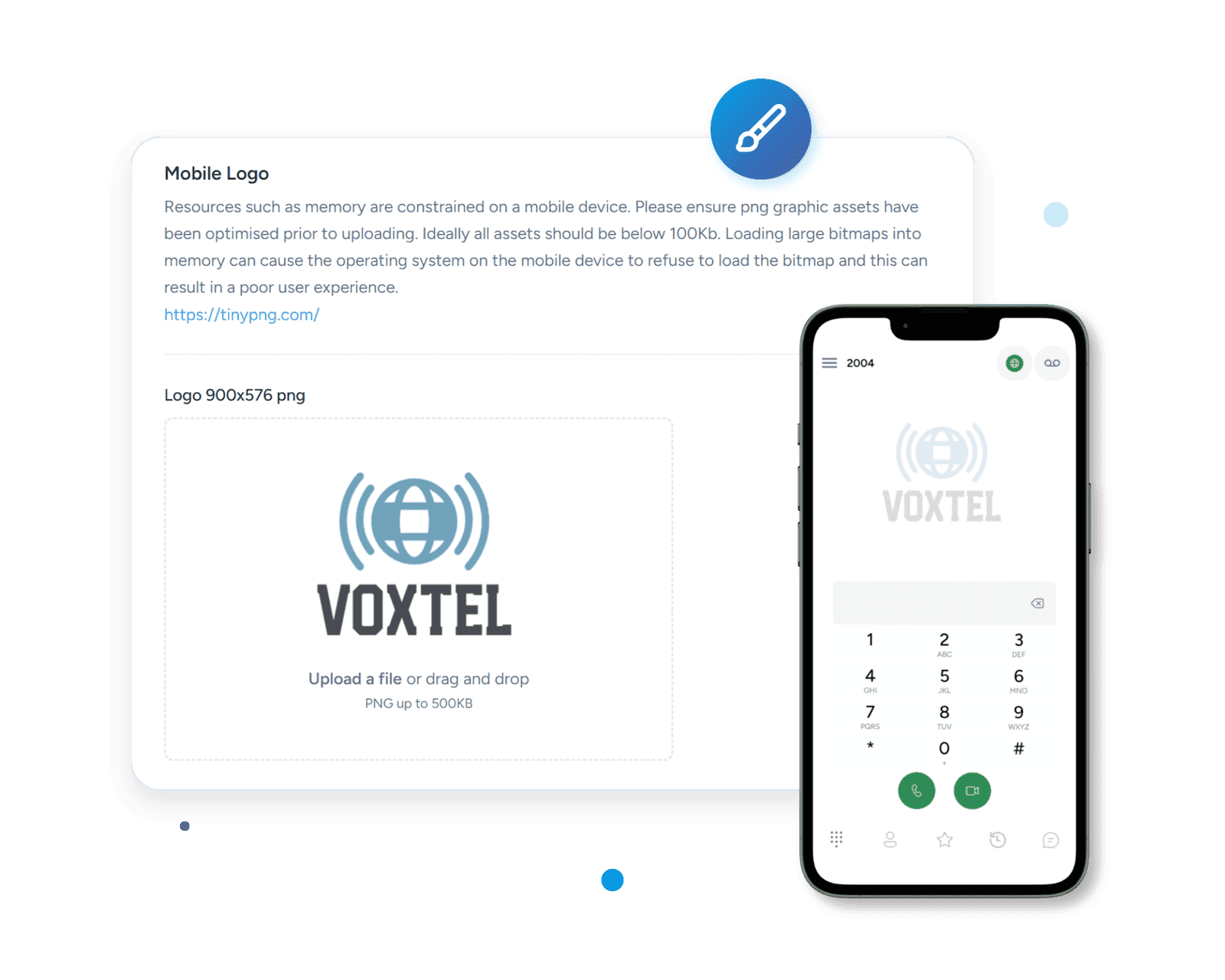
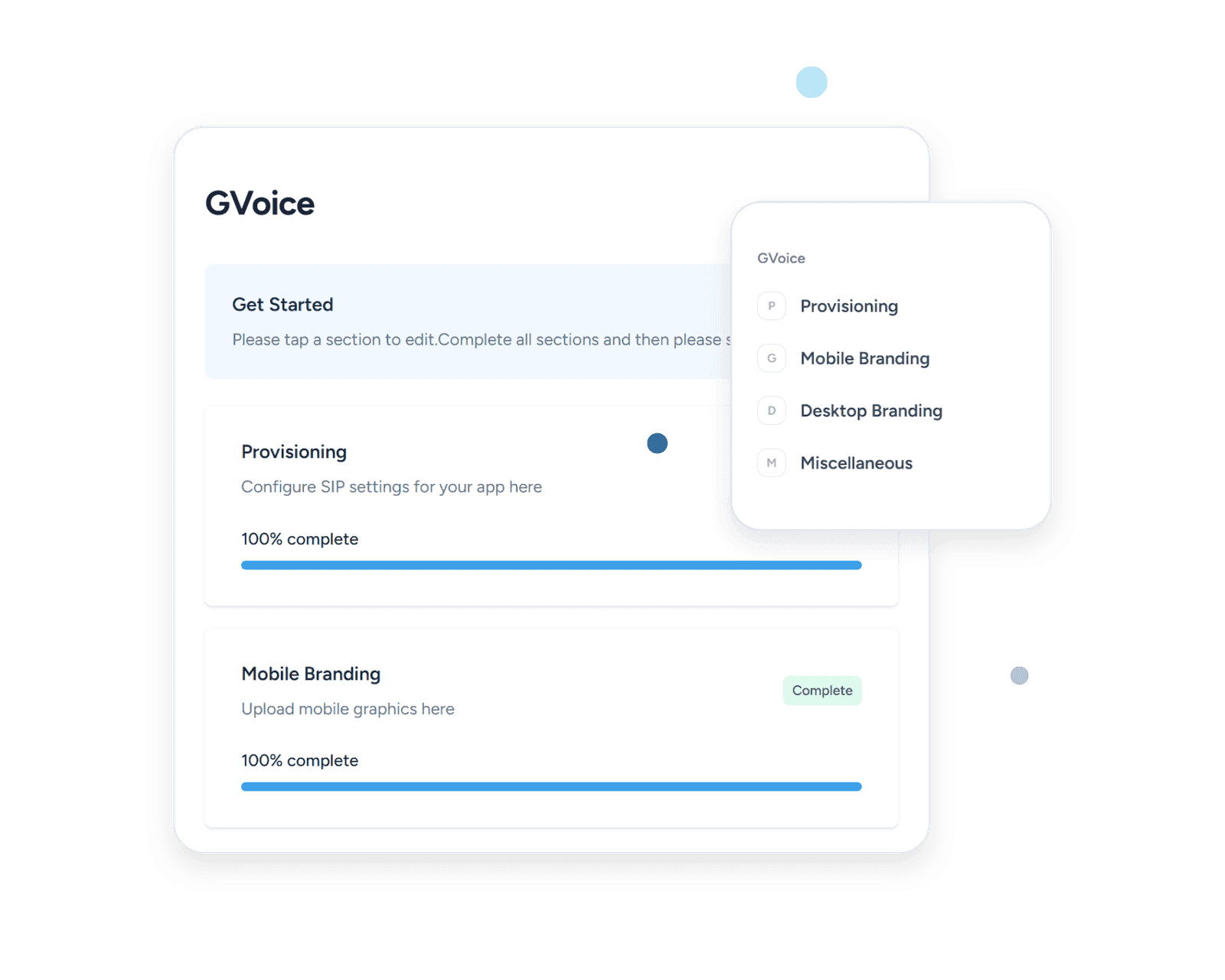
One Portal. Every User. Every Device.
Configure, brand, and deploy softphones across Windows, Mac, iOS, and Android from a single cloud portal. Push updates to all users without requiring a reinstall.
- QR Code Provisioning
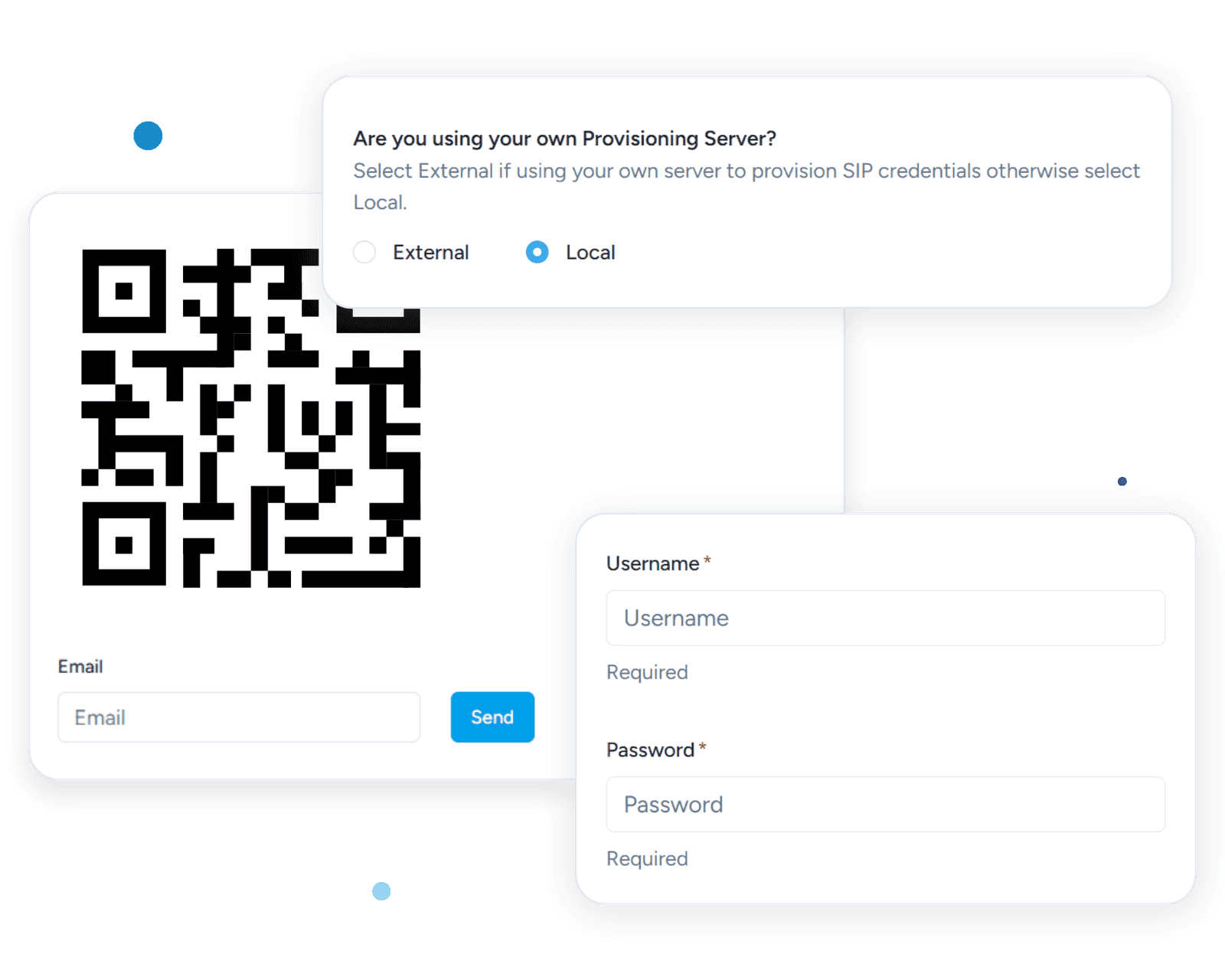
Generate unique QR codes from the cloud portal. Users scan once and the app auto-configures with their SIP credentials — zero manual setup, zero support tickets.
- In-App Branding
Upload your logo, set your in-app product name, customize help sections and links — all from the cloud portal. Changes push to users instantly without a reinstall.
- Centralized Management
Configure SIP settings, dial plans, codec preferences, and feature toggles for all users from a single dashboard. Scale from 50 to thousands of users.
How It Works
SessionCloud's Generic Softphone is a cloud-provisioned app that allows you to create your own branded softphone in minutes.
- Sign up
- Create an account on our SessionCloud portal. Choose the Generic option and specify PBX settings
- Customize
- Upload your corporate logo and set your in-app product name. Choose a provider ID to share with customers.
- Ready!
- Download the SessionCloud Softphone for Windows MacOS Android and iOS, enter the provider ID and the softphone is ready to use.
QR Code Provisioning
Empower your users by provisioning SIP usernames and passwords directly from your servers. Our innovative QR code solution simplifies the process and minimizes the need for users to manually input their credentials. This not only streamlines the setup process but also significantly reduces the frequency of support queries, enhancing the overall user experience.
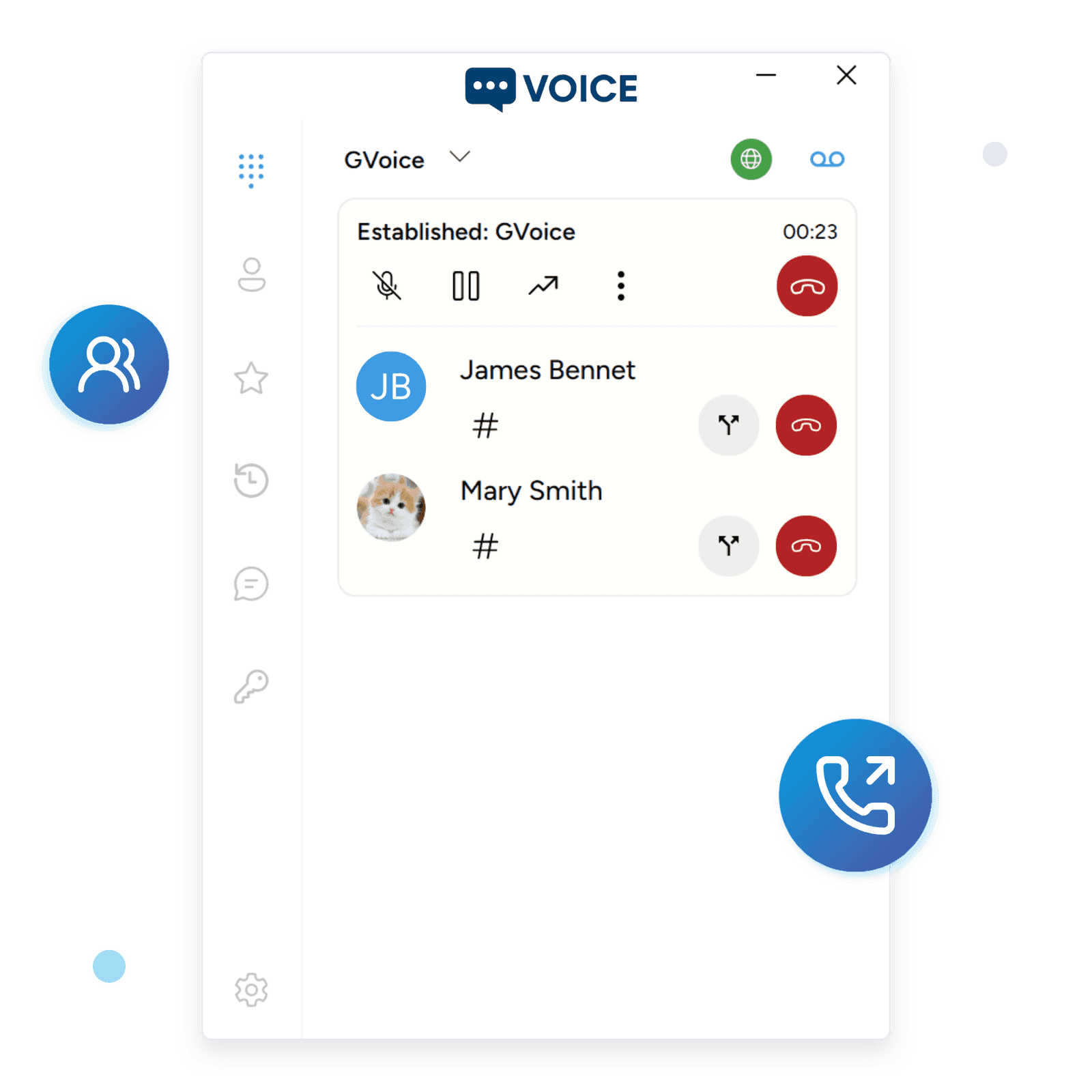
Intuitive Call Management
Supports six lines and six way conferencing. Easily swap between calls, merge and split calls. Blind and Attended transfer functionality supported as well as call forwarding.
Generic branded softphone — common questions
- What's the difference between a generic-branded softphone and a full white-label SIP softphone?
Generic branding swaps in your logo and your in-app product name on top of the standard SessionTalk app, so your customers download SessionTalk from the App Store or Google Play and see your brand once they sign in. White label is a fully separate app shipped under your own Apple Developer and Google Play accounts, with your own bundle ID, your own listing, and your own store identity end-to-end.
- How do I add my company's logo to the SessionTalk softphone app?
Upload your logo and set the in-app product name in the SessionCloud portal — provisioned users pick the assets up automatically next time they sign in or scan your QR code. Because the branding is applied at runtime inside the standard app, there's no app-store review cycle to wait through.
- Can my customers see my brand inside the SessionTalk app without me submitting my own app to the App Store?
Yes — that's the point of generic branding. Your customers install the standard SessionTalk app from the official stores and the in-app surface shows your logo and product name the moment they finish provisioning, without you owning an app-store listing or build pipeline.
- Do I need my own Apple Developer or Google Play account for generic branding?
No. Customers download the standard SessionTalk app from the official stores and your branding is applied after they scan your QR code or sign in. Apple Developer and Google Play accounts are only required if you move to a full white-label app under your own bundle ID.
- Can I switch from generic branding to a full white-label SIP softphone later?
Yes. Tenant config, user accounts, and provisioning data carry over to the white-label build, so the move is usually scheduled around a marketing milestone or a customer-count threshold rather than a technical migration — your users move to the new app, sign in, and their accounts come with them.
- Does cloud provisioning and QR-code setup work with the generic-branded softphone?
Yes. Cloud provisioning, QR-code setup, and the remote phonebook all work identically on the generic-branded tier — only the app shell differs from white-label. Generic-branded tenants get the same one-step sign-in flow your customers expect on a modern SIP softphone.
- Will my users still see SessionTalk's name anywhere in the generic-branded app?
Inside the app, the title and logo your customers see are yours. The App Store and Google Play listing itself stays under the SessionTalk name because the binary is shared across all generic-branded tenants — if you need the store listing fully under your own brand, the white-label tier is the right option.
- How are app updates rolled out for the generic-branded softphone?
Updates ship through the standard SessionTalk app on the App Store and Google Play, so your users automatically receive new features and security patches the same way they receive any other app update. There's no release pipeline to run and no store submission for you to manage.
Your Branded Softphone in Under 24 Hours
Add your logo, configure your PBX, and deploy to 50+ users. Free 14-day trial, no credit card required.