Mobile Softphone for iOS and Android
Calls that ring every time — even on battery saver. Native iOS CallKit integration means incoming calls look and feel like regular phone calls. Push notifications ensure zero missed calls while preserving battery life on both Android and iOS.
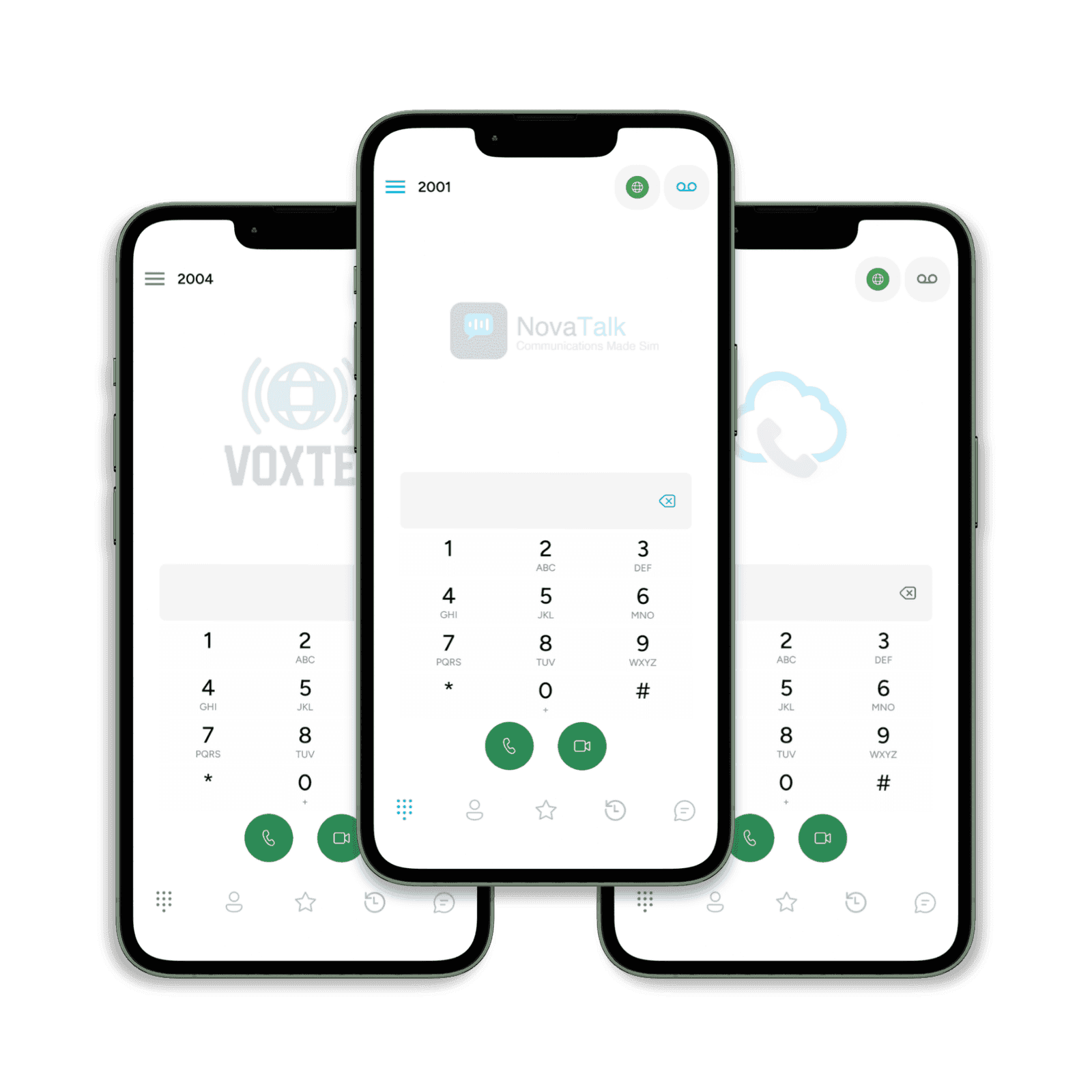
Full-Featured Mobile SIP Client
HD voice and video, chat and group messaging, up to 16 SIP accounts, push notifications, BLF monitoring, and presence — all in a single mobile app. Available in 40+ languages.
- TLS & SRTP Encryption
Every call encrypted end to end. TLS secures signaling, SRTP protects media. Certificate verification prevents man-in-the-middle attacks.
- Call Recording
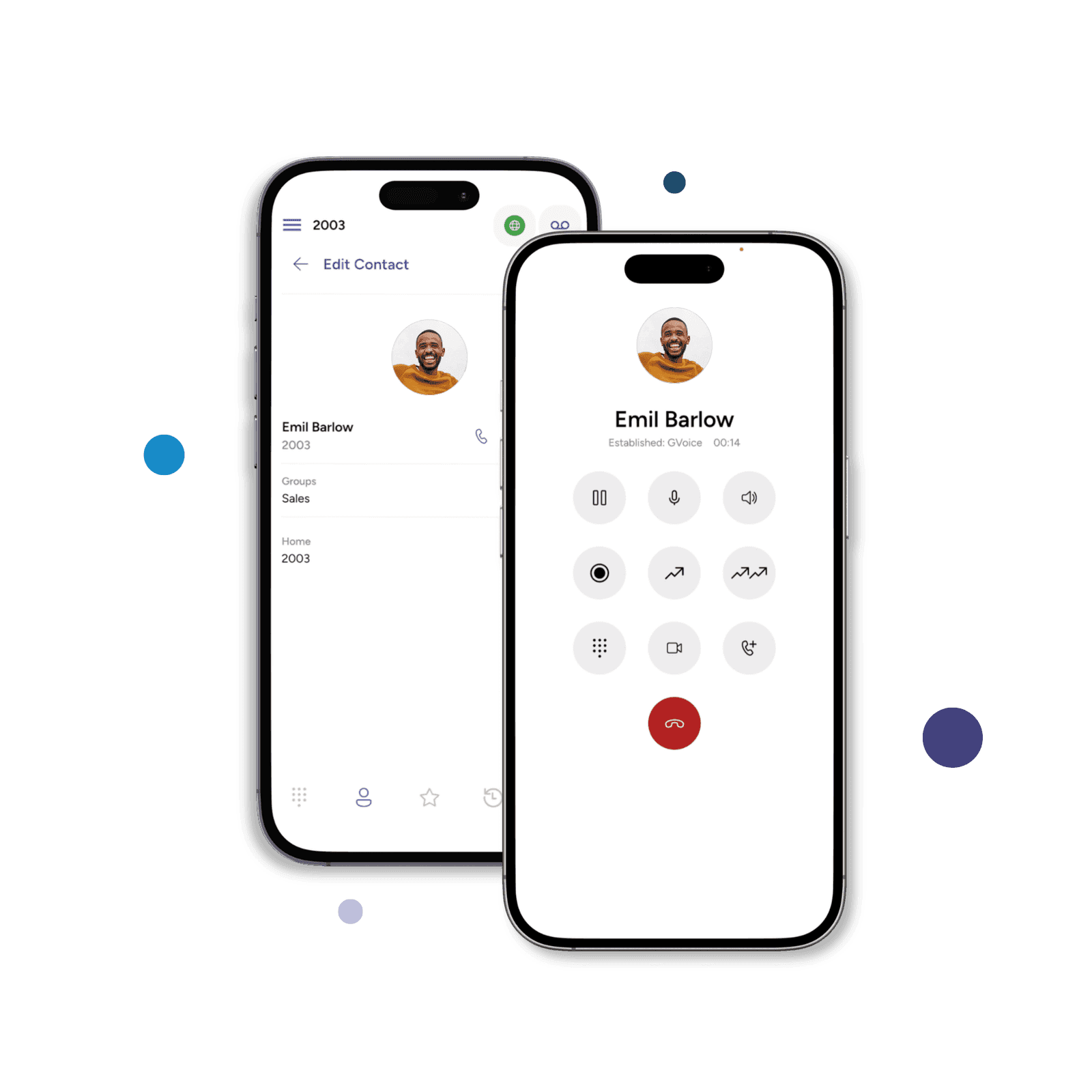
One-tap call recording from the in-call screen. Recordings appear in call history and can be played in-app or emailed for offline storage.
- Flexible Dial Plan
Powerful number rewriting engine. Match patterns, add prefixes, strip digits — route calls exactly the way your business needs.
Mobile softphones your team can use straight away
Deploy secure iOS and Android softphones with video calling, messaging, push notifications, and QR code provisioning built in. Users get a familiar calling experience without manual SIP setup, while your team keeps control from the cloud.
- Video Calling
- Enjoy high quality video calling with the H264 &VP8 codecs.
- Push Notifications
- Save battery life with our Push Notifications feature.
- Messaging
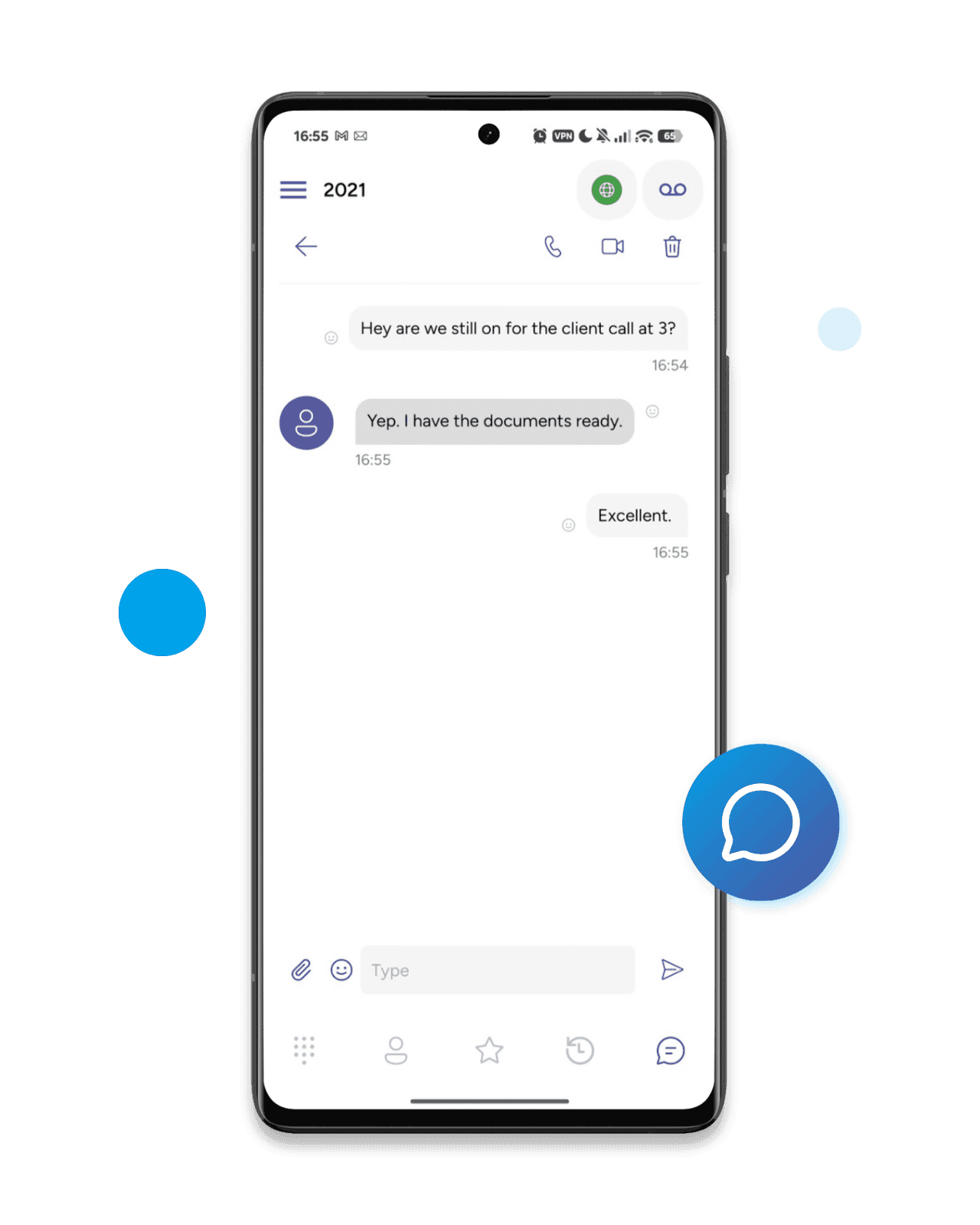
- With our Messaging feature it has never been easier to stay connected.
- External Provisioning
- With our QR code solution you can reduce support queries as there is no need for users to type in credentials.
Branding and Localization
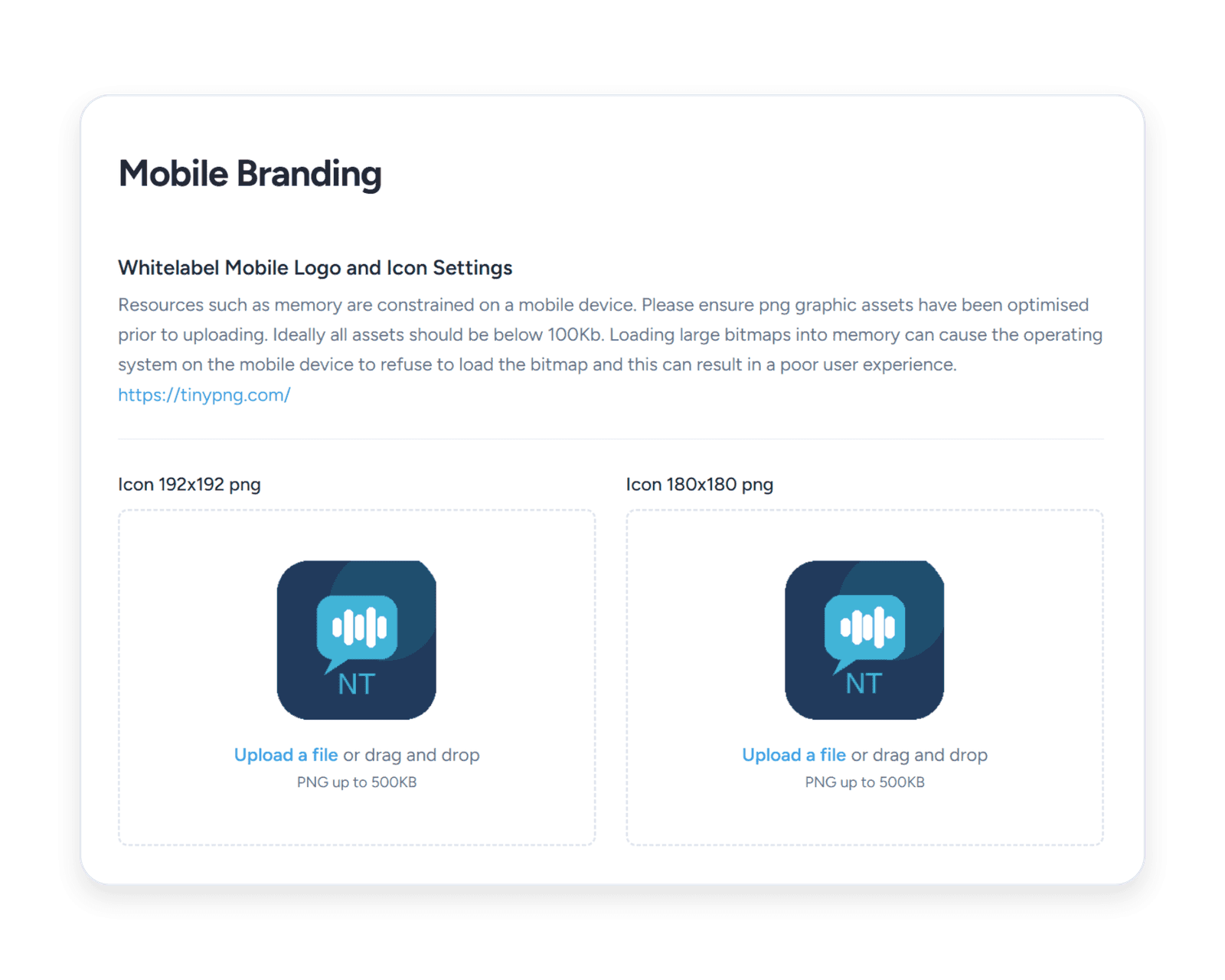
Our mobile softphone supports multiple languages and can be easily localized to your requirements. The softphone can be branded with your company logo, colors, and web links to create a seamless experience for your users. In addition it can be provisioned with your PBX settings and configurations.
Empower Remote Work with our Softphone Solutions
Simplify remote communication for your organization with our powerful softphone and cloud portal. Designed for IT managers, our solution allows you to rapidly deploy and manage softphones across your team. Provision devices, configure settings, and monitor usage effortlessly from a centralized, secure portal—ensuring your organization stays connected and operational, no matter where your team works.
iOS & Android softphone — common questions
- Will SIP calls show up on my iPhone lock screen and behave like a normal phone call?
Yes. The SessionTalk iPhone softphone routes incoming SIP calls through Apple's CallKit, so a call appears on the full-screen lock-screen incoming-call UI exactly like a regular cellular call. You can answer it from the lock screen, send it to voicemail, route audio to a Bluetooth headset, hand it off to CarPlay, and find it later in the iPhone Recents list. The app doesn't need to be running in the foreground — incoming calls wake it via Apple's VoIP push.
- Can I answer SIP calls on the Android lock screen the same way as a cellular call?
Yes. The SessionTalk Android softphone registers with Android's Telecom framework, so incoming SIP calls appear on the native phone-call screen alongside cellular calls — full-screen on the lock screen, in-call controls in the system shade, and proper audio routing to Bluetooth and wired headsets. Outgoing calls register the same way, so Android treats the softphone like a first-class phone app rather than a background notification.
- How do incoming calls reach the softphone when I haven't opened the app today?
Through VoIP push: PushKit on iPhone and FCM on Android. The SessionTalk push server sits between your PBX and the device — when an INVITE arrives, the push server delivers a high-priority push that wakes the softphone and presents the incoming-call screen, even if the app was last opened days ago. The push servers run in multiple regions so the round-trip from PBX to device stays short regardless of where your users are.
- Will the SessionTalk softphone drain my iPhone or Android battery?
No. Because incoming calls are delivered via VoIP push rather than an always-on SIP socket, the softphone stays parked until a call actually arrives, which keeps idle battery use very low — there's no persistent connection holding the radio awake. Once a call connects, power use is roughly the same as a regular cellular call.
- Can I use the SessionTalk softphone as a work phone on my personal iPhone or Android (BYOD)?
Yes — BYOD is one of the most common SessionTalk deployments. Employees install the softphone on their own iPhone or Android device, sign into the work SIP account, and place and receive work calls on the work number while their personal cellular line stays completely separate. Personal contacts never see the work number, work calls never expose the personal mobile number, and IT can revoke the work account remotely if the device is lost or the employee leaves.
- Will the softphone keep a call going when I leave Wi-Fi and switch to cellular?
Yes. The softphone listens for network changes on both iOS and Android and, when the device's IP address changes mid-call, the softphone re-registers and signals the new network path to the PBX so the call carries on without dropping. On networks where mid-call handover isn't possible at the SIP layer, the softphone reconnects on the new network as quickly as possible so the next call works.
- Where can I download the SessionTalk softphone for iPhone and Android?
The SessionTalk SIP softphone is free in the Apple App Store and Google Play. Search for 'SessionTalk' or scan the QR code from the SessionCloud portal to install and provision the app in a single step — QR-code provisioning works on both iOS and Android, so end users don't have to type SIP server addresses, ports, or credentials. For organisations that want a fully branded app published under their own Apple and Google developer accounts, see the white-label option.
- Can I sign into multiple SIP accounts on the same iPhone or Android — for example, a personal line and a work line?
Yes. The SessionTalk mobile softphone supports multiple concurrent SIP accounts on a single device, so you can register a personal SIP line and a work SIP line — or accounts on two different PBXs — side by side. Outbound calls can be placed from any account, and inbound calls clearly indicate which account they arrived on so users always know which "phone" is ringing.
- Does the SessionTalk softphone work with CarPlay and Apple Watch?
Yes on both. Because incoming calls go through CallKit, they appear on CarPlay exactly like a regular phone call — answer, hang up, and dial from the in-car display without taking your hands off the wheel — and the same CallKit alert forwards to a paired Apple Watch with answer and decline controls, with no extra setup needed on the watch. Android Auto integration is not currently supported by the standard SessionTalk app.
Launch Your Mobile Softphone on iOS and Android
Get your team calling from their smartphones in minutes. Free 14-day trial, no credit card required.