Chat, Group Messaging & SMS Built In
More than just a softphone. SessionCloud includes a full messaging suite with instant messaging, group chat rooms, file sharing, emoji reactions, and SMS — all encrypted end to end.
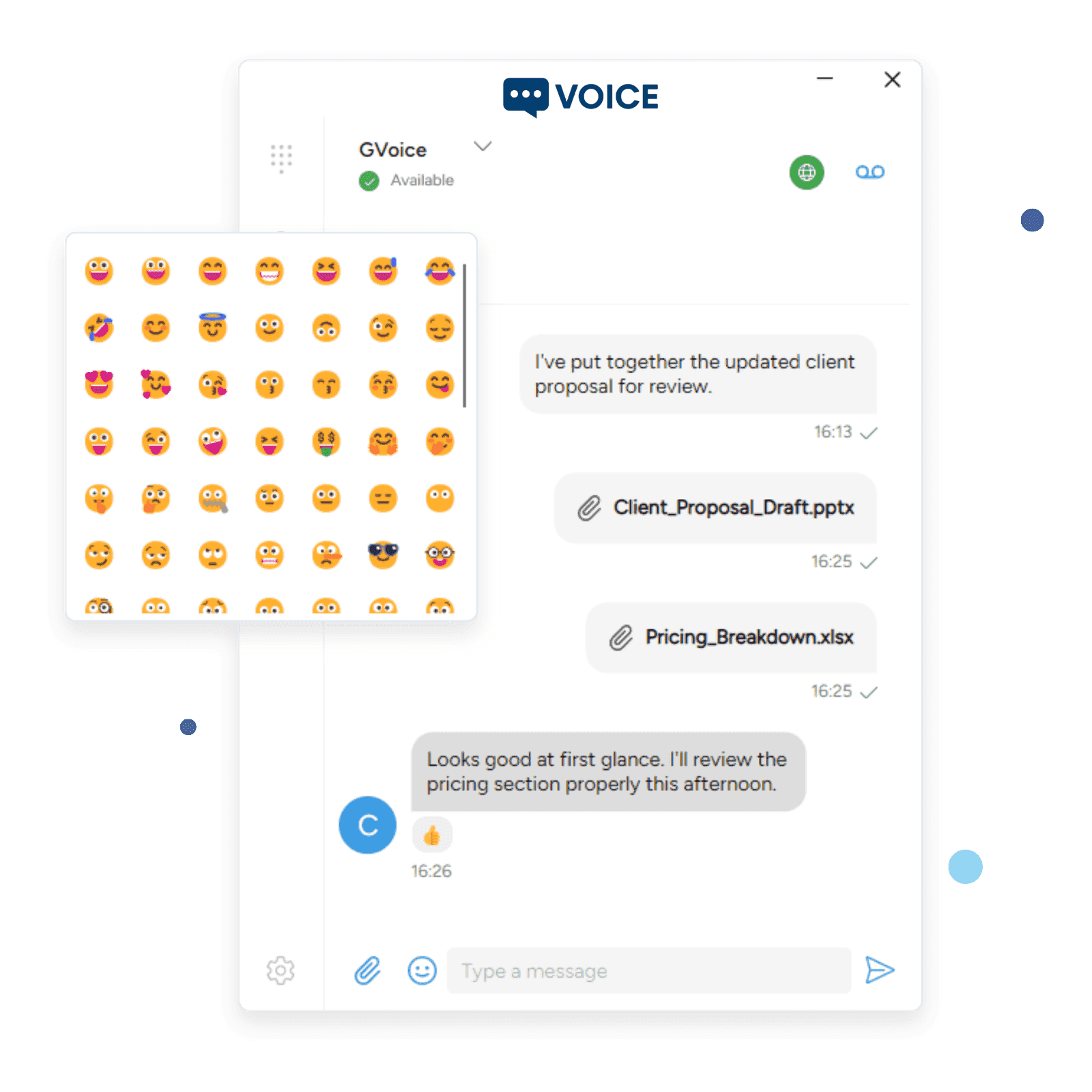
One App for Chat, Group Messaging & SMS
Stop switching between apps. Handle all your business messaging from the same softphone your team uses for calls and video.
- Instant Messaging
SIP MESSAGE and XMPP-based chat with delivery and read receipts. Full message history synced across devices.
- Group Chat Rooms
Create and join XMPP chat rooms with room invitations, occupant management, and persistent message history.
- SMS via SIP
Send and receive SMS messages through your SIP provider. Text your customers from the same app you use for calls.
Rich Messaging Experience
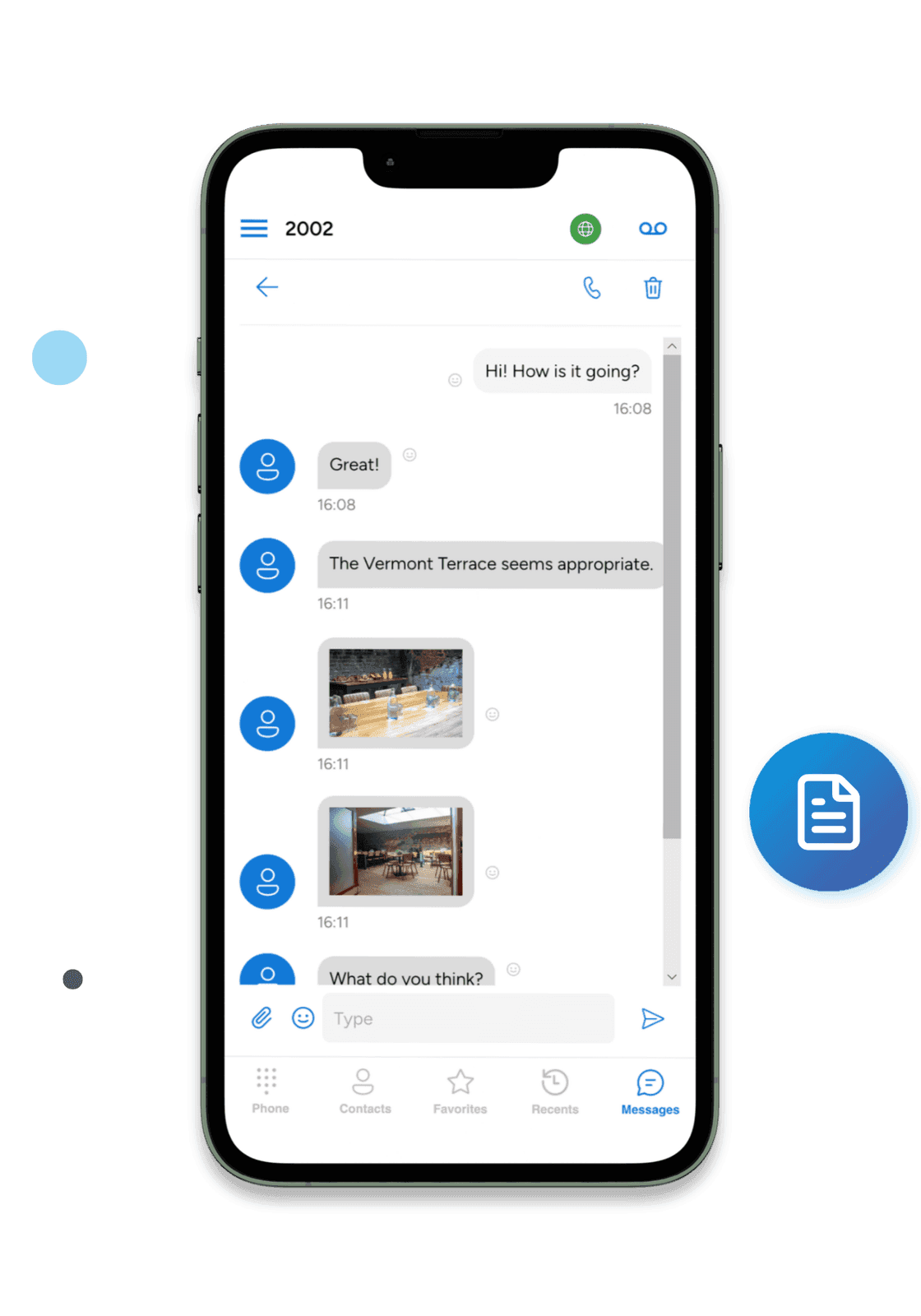
More than plain text. Share images, documents, and files directly in your conversations. React to messages with emoji. See when your team is typing. Every file transfer is encrypted end to end with per-message keys.
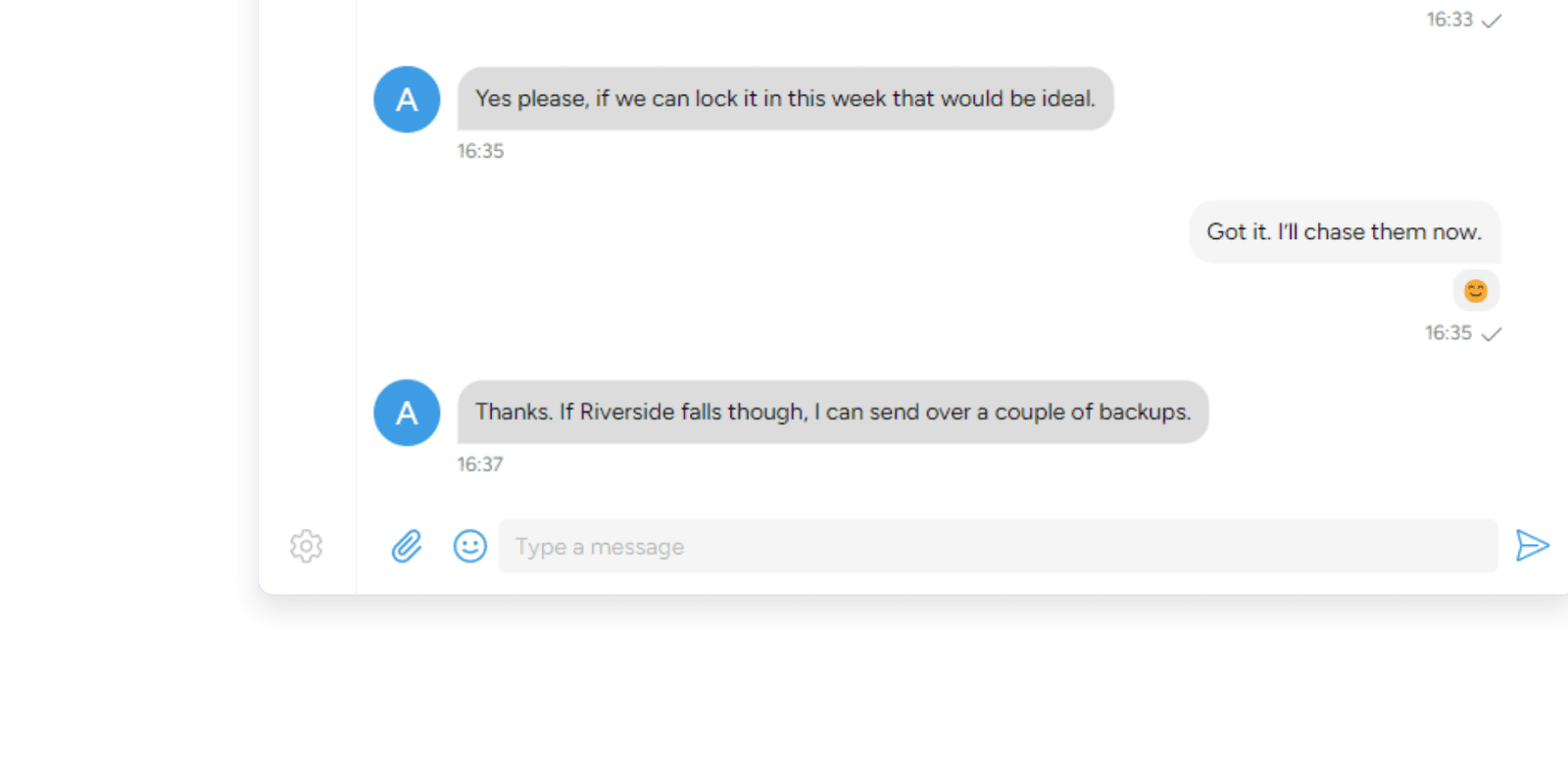
- Emoji Reactions
- React to any message with emoji
- File Sharing
- Share images and documents with thumbnails
- Encrypted Transfers
- End-to-end encrypted file transfers
- Read Receipts
- See typing indicators and delivery status
Real-Time Presence & Status
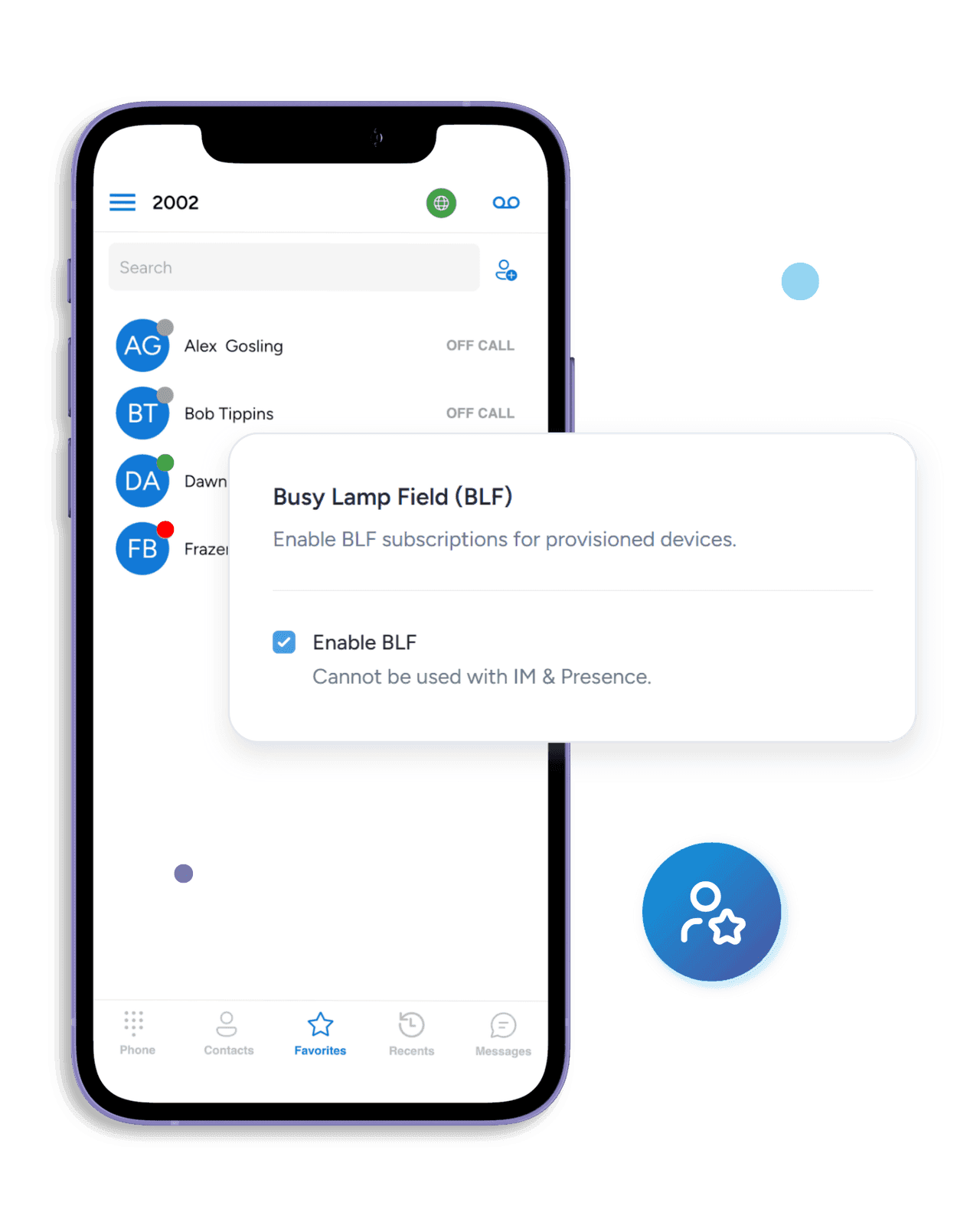
See your entire team's availability at a glance. Online, Away, Busy, Do Not Disturb, On The Phone — presence updates in real time so you always know who's available before you call or message.
- Presence States
- Online, Away, Busy, DND, On Call
- Protocol Support
- SIP and XMPP presence subscriptions
- BLF Monitoring
- Call center visibility and status
Message From Any Device
Start a conversation on your phone, continue it on your desktop. Message history syncs across all your devices seamlessly.
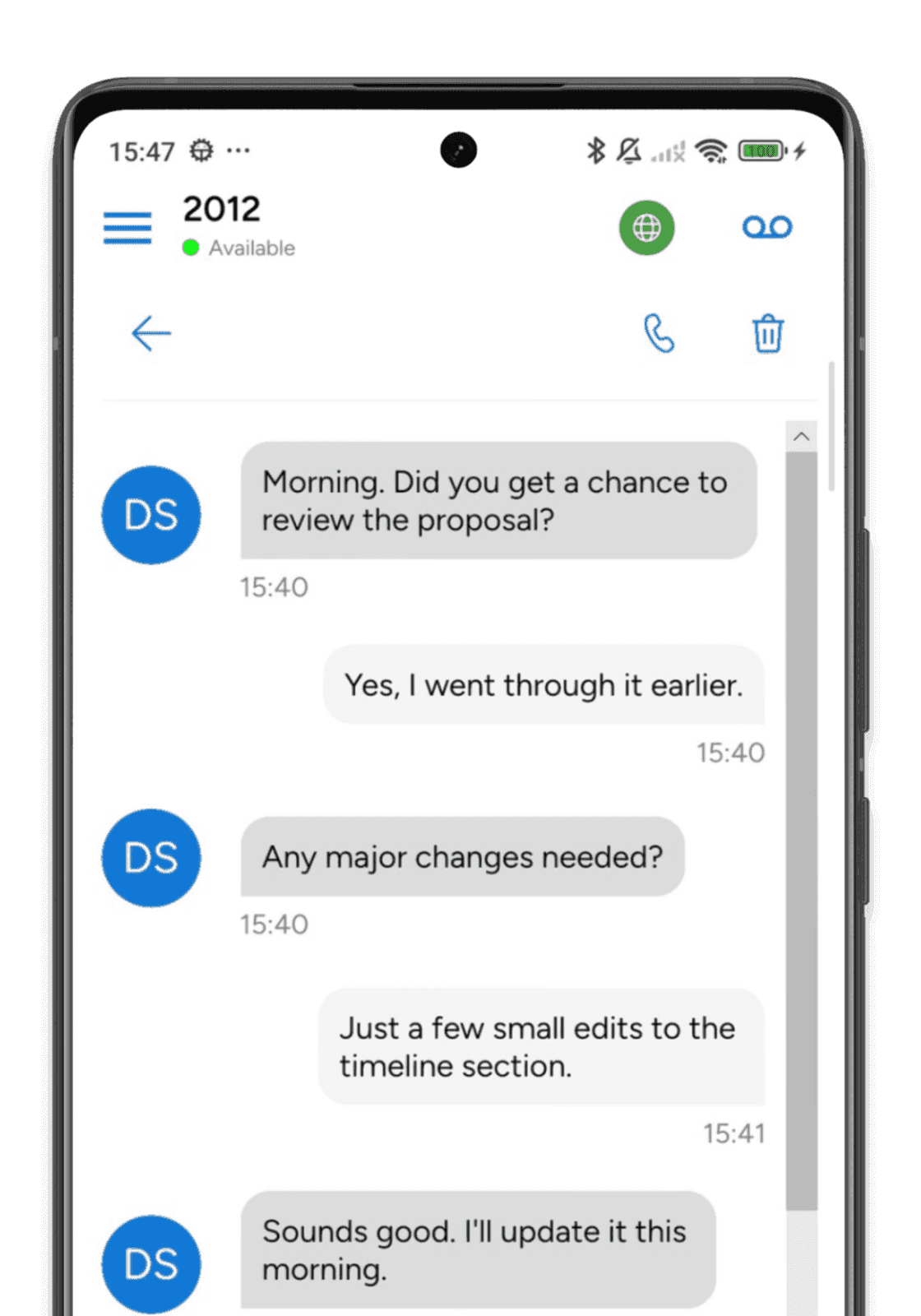
Express Yourself
Full emoji keyboard built into every chat and SMS conversation

Presence Awareness
XMPP presence shows who's available, away, or busy at a glance

Every Message, Encrypted
Your business conversations are sensitive. SessionCloud messaging is built with enterprise-grade encryption at every layer — signaling, media, and file transfers.
Message Encryption Pipeline
- End-to-End Encrypted Files
Every file transfer is encrypted with unique per-message keys. Your documents stay private even in transit.
- TLS-Secured Messaging
All messaging signaling is encrypted with TLS. Messages cannot be intercepted or read by third parties.
- Encrypted Credential Storage
XMPP and SIP credentials are stored encrypted on-device. No plaintext passwords, no exposure risk.
- Certificate Verification
Server certificates are validated to prevent man-in-the-middle attacks on your messaging connections.
Softphone messaging — common questions
- Is softphone messaging secure?
Yes. The desktop and mobile softphone connect to the XMPP messaging server over TLS with certificate verification enabled by default, so message content is encrypted in transit. File attachments are additionally encrypted at rest with a unique AES-256-GCM key per file, so even a leaked storage URL doesn't expose the file's contents. Operators who need stricter controls (private deployment, on-premise XMPP server, mutual TLS, etc.) can configure them on the server side.
- Does softphone messaging work across iPhone, Android, Windows, and macOS?
Yes. The same SessionTalk account works on iOS, Android, Windows, and macOS, and message history syncs automatically across every device a user is signed into. The softphone uses XMPP Message Carbons and Message Archive Management (MAM) so a message sent or received on your desk follows you to your phone — you can pick up a conversation mid-thread when you switch devices.
- Does softphone messaging support group chat?
Yes. The softphone supports XMPP multi-user chat rooms (MUC) for team and project conversations, with one-to-one DMs alongside groups in the same contact list. Room invitations are persisted, so newly added members auto-rejoin their rooms when they sign in on a fresh device, and typing indicators show who is actively replying in real time.
- Can I send images, PDFs, voice notes, and other files from the softphone?
Yes. The softphone supports file sharing for images, PDFs, documents, audio clips, and short video — uploaded via the standard XMPP HTTP file-upload protocol (XEP-0363). Each file is encrypted with its own AES-256-GCM key before upload, so files stored on the messaging server can't be read by anyone without the link plus the per-file key shared inside the conversation.
- Can I see when a message has been delivered to the other person?
Yes. The softphone uses XMPP delivery receipts (XEP-0184) so you can see when a message has reached the recipient's device, and chat-state indicators (XEP-0085) show when the other person is typing. Receipts and typing indicators work the same way in one-to-one chats and group rooms.
- Does softphone messaging work between users on different PBXs or messaging servers?
Yes, when the underlying XMPP servers are configured for federation. Messaging on the softphone routes over XMPP rather than SIP, so cross-org chat depends on standard XMPP server-to-server (s2s) federation being enabled on both sides — the same model used by Jabber and other open XMPP deployments. For deployments that don't want s2s open to the internet, the SessionCloud operator can act as a shared messaging host for tenants who need to chat across organisations.
- Can I embed my CRM or helpdesk next to the chat window?
Yes. The softphone's Custom Web Tab embeds an external web app — Salesforce, HubSpot, Zendesk, Freshdesk, an internal portal, or any URL — directly alongside the active chat and call. Dynamic placeholders pass the signed-in user and device ID into the embedded URL, so click-to-dial and screen-pop workflows surface the right customer record inside the same softphone window that the conversation is happening in.
- How long is softphone messaging history retained?
Message retention is controlled by the operator on the messaging server, so your administrator can pin retention to a specific number of days to match internal policy (for example, a 30-day rolling window for short-term storage, or longer windows for historical search). Local message history is also cached on each device for fast offline access. For deployments with regulatory obligations — HIPAA, GDPR, PCI-DSS, financial-services record keeping — retention, encryption, BAA, and DPA terms vary per plan; contact us with your specific compliance requirements for a written answer.
Unified Messaging for Your Entire Team
Chat, group messaging, and SMS in one app. Start your free 14-day trial today.