Omnichannel Contact Center for Helpdesk Teams: Voice, Chat and Tickets Together

Omnichannel Contact Center for Helpdesk Teams: Voice, Chat and Tickets Together
A helpdesk usually becomes painful before it becomes impossible. A customer starts with web chat, sends a screenshot by email, calls when the issue is urgent and then repeats the same story to a different agent. The team may have a capable ticketing system and a reliable phone system, but the experience still feels fragmented because the conversation history does not travel with the customer.
An omnichannel contact center fixes that gap when it is designed around the helpdesk workflow, not just around a list of channels. For small and mid-sized businesses, managed service providers (MSPs), VoIP providers and support operations teams, the goal is not to replace every tool in one risky project. The goal is to make voice, chat, ticket context, routing and mobile agents work together in phases.
What omnichannel means when the helpdesk owns the customer record
Omnichannel customer service means customers can move between channels while the business keeps one connected view of the conversation. For a helpdesk team, that connected view normally lives in the ticket: customer identity, issue history, service level agreement (SLA), device details, previous calls, attachments, chat transcripts and internal notes.
That is different from simply adding more inboxes. A multichannel setup might have phone, email, live chat and messaging, but each channel can still sit in a separate queue. Agents waste time asking for reference numbers, supervisors cannot see the full journey, and urgent calls may not be linked to open tickets.
A practical omnichannel contact center for helpdesk teams should make three things happen:
- The customer reaches the right queue by voice, web chat or message without repeating unnecessary information.
- The agent sees useful context before or during the interaction, including open tickets and recent contact attempts.
- The business can report on the whole support journey, not just phone statistics or ticket statistics in isolation.
This is why helpdesk-led omnichannel planning must include voice from the start. For many support teams, the phone call is still where escalations, cancellations, outages and VIP issues happen. If voice stays outside the ticket workflow, the most important moments remain disconnected.
Start with the support journeys that actually create pressure
Before choosing software, map the journeys that cause delays or customer frustration. Most teams do not need every channel on day one. They need the highest-volume and highest-risk journeys to stop leaking context.
For an IT helpdesk, that might be a user who opens a ticket about failed multi-factor authentication and then phones because they are locked out. For a telecom reseller, it might be a business customer reporting call quality issues after a router change. For a healthcare or field-service team, it might be a mobile worker who cannot wait for an email reply because the issue affects today’s appointments.
Useful journey mapping questions include:
- Which issues start digitally but become urgent by phone?
- Which phone calls should automatically create or update a ticket?
- Which customers need priority routing because of contract, SLA or business impact?
- Which conversations need call recording, transcript notes or supervisor review?
- Which agents need to answer from home, on mobile or from a shared office without exposing personal numbers?
These answers shape the contact-center design far better than a feature checklist. They also help a buyer decide what to pilot first: call queues, interactive voice response (IVR), web chat, mobile softphones, ticket screen-pop, call recording or reporting.
Keep voice reliable while you add digital channels
Voice deserves its own design track because it has different failure modes from email or chat. A support ticket can wait a few minutes during a brief outage; an inbound phone call cannot. If a customer hears silence, a failed transfer or a confusing queue message, trust drops immediately.
A helpdesk-ready voice layer should cover:
Clear queue ownership
Each queue should have a purpose that agents and customers understand. Examples include first-line support, billing queries, outage response, VIP accounts, reseller support and internal escalation. Avoid creating so many queues that supervisors cannot staff them properly.
IVR that routes rather than hides
Interactive voice response should shorten the path to the right team, not create a maze. Keep menu options aligned to helpdesk categories and give callers a route to a human when the issue is urgent. If the ticketing system can identify the caller, routing can become more intelligent over time.
Recordings and notes that land where agents work
Call recording is valuable only if teams can find the relevant interaction later. For regulated or quality-sensitive teams, recordings should be linked to customer records, tickets or at least searchable call metadata. Agents also need a simple way to add a call note without retyping details into multiple systems.
Business continuity for remote agents
A cloud phone system or hosted private branch exchange (PBX) can support remote teams, but only if endpoints are provisioned consistently. Session Initiation Protocol (SIP) softphones, mobile apps and desktop clients should register securely, handle push notifications reliably and preserve business caller ID.
This is where a phased SessionCloud pilot can be useful. A helpdesk can test mobile and desktop softphone provisioning with a small agent group before changing core routing for every customer.
Connect ticket context without forcing a full replacement
The most expensive omnichannel projects often begin with the wrong assumption: that every system must be replaced before the customer experience can improve. In reality, many SMBs and MSP-managed customers can get value from integration layers and phased workflow changes.
A sensible sequence is:
1. Stabilise inbound voice queues and agent endpoints.
2. Decide when a call should create a ticket, update a ticket or simply log activity.
3. Add screen-pop or customer lookup for known callers.
4. Attach call outcomes, recordings or notes to the customer record where possible.
5. Add web chat and SMS/email-style channels with the same identification rules.
6. Review reporting once the first workflows are stable.
The integration does not always need to be deep on day one. Caller ID lookup, click-to-call, call activity logging and consistent agent identity can remove a surprising amount of friction. Deeper customer relationship management (CRM) or helpdesk integration can follow once the team knows which events are truly useful.
For example, a support desk may discover that automatic ticket creation for every missed call creates clutter. A better rule might be: create a ticket for voicemail, update an existing open ticket for recognised callers, and log abandoned calls separately for supervisor review. Omnichannel design is about useful context, not maximum data capture.
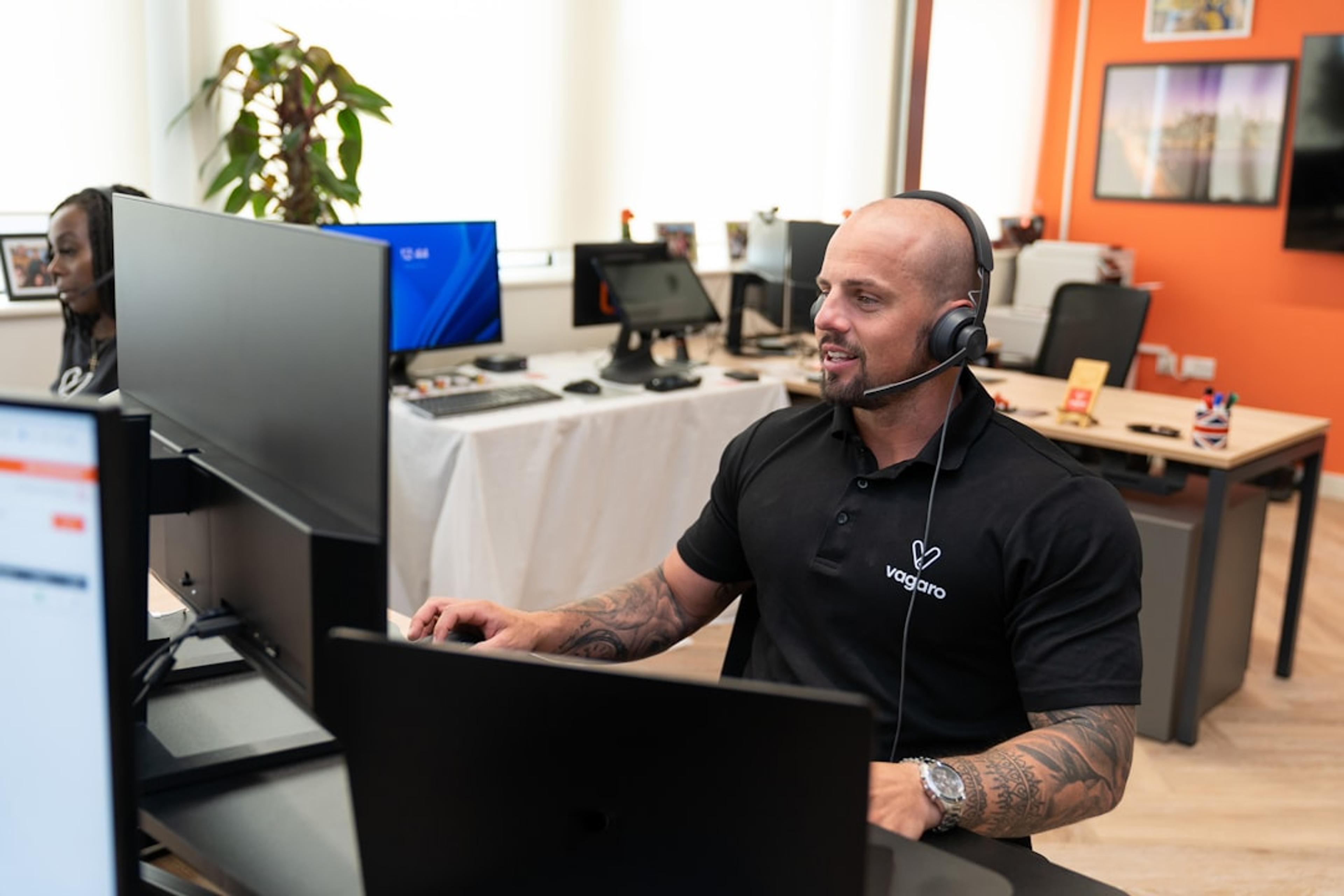
Design the agent experience around speed and confidence
Agents adopt new communication tools when the tools reduce effort. If the workflow adds another dashboard, another login and another place to copy notes, adoption will be weak even if the platform is technically powerful.
For helpdesk teams, the agent desktop or mobile workflow should answer five questions quickly:
- Who is contacting us?
- What open issue or recent interaction matters right now?
- Which queue, SLA or account priority applies?
- What is the fastest next action: answer, transfer, escalate, schedule a callback or send a link?
- What must be recorded for the next agent or supervisor?
Softphone design matters here. A SIP softphone should not feel like a consumer calling app bolted onto a business process. Agents need clear inbound call presentation, transfer controls, mute/hold, call history, headset compatibility, stable push notifications and business caller ID. Mobile agents also need provisioning that does not expose SIP passwords or require manual configuration for every device.
For MSPs and VoIP providers, repeatability is the commercial advantage. If one customer’s helpdesk pilot takes weeks of manual setup, margins disappear. If provisioning, branding, policy and support workflows can be standardised, the same pattern can be offered to many customers.
Use routing rules that reflect helpdesk urgency
Not every ticket deserves the same phone treatment. Omnichannel routing should reflect urgency, customer value and operational reality.
High-impact examples include:
- Open major incident tickets trigger a temporary IVR message and route affected customers to a specialist queue.
- VIP accounts receive priority when their caller ID or account number matches a contract record.
- Billing calls route away from technical support during peak outage periods.
- Web chat can escalate to a callback when identity is confirmed and the issue cannot be resolved in text.
- Missed calls outside hours create a callback task for the next business day.
Routing also needs guardrails. Skill-based routing is useful, but too many micro-skills can trap calls when only one specialist is available. Callback options reduce queue pressure, but the team must have staffing discipline to return them. Recording and monitoring help supervisors coach agents, but retention rules must match privacy and compliance requirements.
The best pilots start with a few routing rules that everyone can explain. Complexity should earn its place through measured improvements in wait time, first-contact resolution or SLA performance.
Plan security, compliance and provisioning early
Helpdesk conversations often include sensitive data: customer records, account changes, medical appointment details, addresses, device identifiers, billing questions or access issues. Omnichannel planning therefore needs security controls from the beginning.
Key areas to review include:
SIP and endpoint protection
If agents use SIP softphones, protect registration credentials and avoid manual password sharing. Use secure provisioning, sensible password rotation, device controls and transport security such as Transport Layer Security (TLS) for signalling and Secure Real-time Transport Protocol (SRTP) where supported.
Role-based access
Not every agent needs access to every recording, queue or customer field. Supervisors, billing staff, technical specialists and temporary agents should have role-appropriate access.
Recording policy
Decide which calls are recorded, how callers are notified, how long recordings are retained and who can retrieve them. Recording everything forever is rarely the right answer.
Remote working controls
Remote and hybrid agents need consistent caller ID, headset quality, network guidance and failover procedures. A mobile softphone can be excellent for continuity, but teams should test battery behaviour, push notification reliability and handover between Wi-Fi and mobile data.
Security is not just a compliance exercise. It affects customer confidence and support quality. If agents cannot trust their tools, they will work around them.
A phased pilot for helpdesk teams
A good pilot is narrow enough to control and realistic enough to prove value. Instead of trying to launch every omnichannel feature at once, choose one support group and one or two customer journeys.
A practical 30-day pilot might look like this:
Week 1: Baseline and setup
Document current call volumes, missed calls, average wait time, ticket response time, common escalation reasons and agent device setup. Choose the pilot queue and identify which agents will use mobile or desktop softphones.
Week 2: Voice workflow test
Configure the pilot queue, business caller ID, agent endpoints, basic IVR prompts and call recording rules. Test inbound calls, transfers, voicemail, callbacks and out-of-hours behaviour.
Week 3: Ticket context and digital handoff
Add caller lookup, ticket notes, click-to-call or call logging where available. Decide how web chat or SMS/email-style enquiries should escalate into voice. Keep the rules simple and review false positives.
Week 4: Measure and refine
Compare missed calls, callback completion, agent handling notes, customer complaints and supervisor review findings. Ask agents where context helped and where the new workflow slowed them down. Keep what works, remove what creates noise and plan the next queue.

Metrics that prove the workflow is worth expanding
Omnichannel projects should be judged by operational outcomes, not the number of channels connected. For helpdesk teams, useful metrics include:
- Fewer customers repeating identity and issue details after switching channels.
- Lower missed-call and abandoned-call rates for priority queues.
- Faster callback completion for urgent tickets.
- Better first-contact resolution where voice and ticket notes are connected.
- Shorter agent after-call work when notes and outcomes are easier to capture.
- Improved supervisor visibility into escalations and queue pressure.
- Fewer unmanaged personal mobile calls because agents can use business softphones.
Qualitative feedback matters too. If agents say they can answer calls with more confidence because they see recent ticket context, the workflow is moving in the right direction. If customers mention that the team “already knew what I was calling about,” the experience is becoming genuinely omnichannel.
Where SessionTalk fits into the evaluation
If your helpdesk is planning an omnichannel contact center, start with the voice and endpoint layer that customers rely on during urgent moments. SessionTalk can help teams test SessionCloud softphone provisioning, mobile and desktop calling workflows, SIP endpoint behaviour and phased migration planning before committing to a larger contact-center rollout.
That makes the pilot practical: prove that agents can answer reliably, present business caller ID, work remotely, connect calls to helpdesk context and support customers without a rip-and-replace project. Once the voice foundation is stable, it is easier to add web chat, SMS/email-style channels, deeper CRM or helpdesk integration and supervisor reporting.
Start a free SessionCloud trial or contact SessionTalk to plan a focused helpdesk pilot for voice, softphones and omnichannel contact-center migration.
Conclusion
An omnichannel contact center for helpdesk teams is not about chasing every new channel. It is about preserving context when customers move between voice, chat, tickets and follow-up messages. The best projects begin with the journeys that hurt most, keep voice reliable, connect only the data agents can use, and expand in phases.
For SMBs, MSPs, VoIP providers and support managers, that approach reduces risk and creates a clearer buying path. Test the agent experience, prove the routing model, secure the endpoints and measure whether customers get faster, more informed support. Then scale the workflow with confidence.